




























A lot of users are satisfied with Google Chrome or the manufacturer’s standard browser. But there are many alternative Android browsers that have their own features and advantages. We looked at the most interesting apps – and there are quite a few of them.
Several names that are already well known from the desktop are also available on the Android smartphone. These include Google Chrome as well as the Opera and Mozilla Firefox browsers. They all have in common that they have a synchronization function, which is supposed to make switching between mobile browsing and surfing on the big screen as easy as possible.
Mozilla Firefox
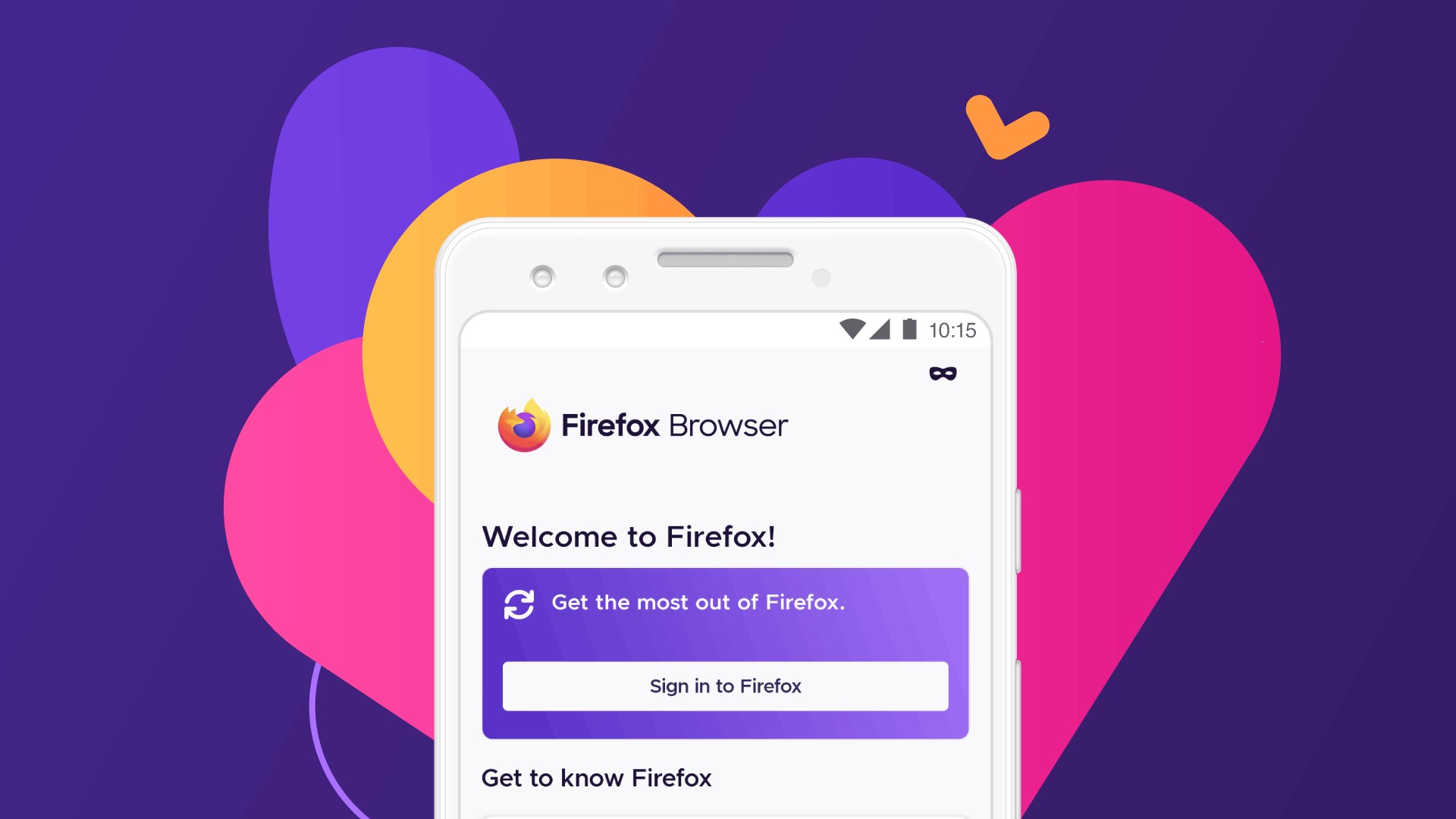
The mission of Mozilla is to ensure that the Internet is a global, publicly accessible resource for everyone. This should succeed with the Android browser Firefox, which started at the time to compete with the then top dog Internet Explorer on desktop computers. Since then, many years have passed, and most people use the Internet from their smartphones today. So it is only logical that the organization – like Google, also based in Mountain View – also courts the favor of users on cell phones.
The Firefox for Android is a browser that looks complete at first glance – but only figuratively. The start page actually looks quite empty in contrast to those of Chrome and Opera, but it reminds us of the red competitor in terms of structure. That means that the controls are again at the bottom of the display. In return, all standard functions are included here as well.
In contrast to the first two Android browsers, the Mozilla Firefox developers obviously do not rely on integrated solutions but add-ons. Thus, after only two clicks, the user also has access to numerous known extensions, including AdGuard and NoScript, on the go. Of course, the Android browser of Firefox also has all the basic features, like private tabs, bookmarks, a history, synchronization functions and tab collections, which help group search queries, websites and tabs.
Conclusion: As an Android browser, the Firefox app also offers a complete feature set. It is intuitive to use and offers some interesting extensions thanks to the add-ons feature. In comparison to the Chrome browser, however, its design is a bit more cluttered.
Google Chrome
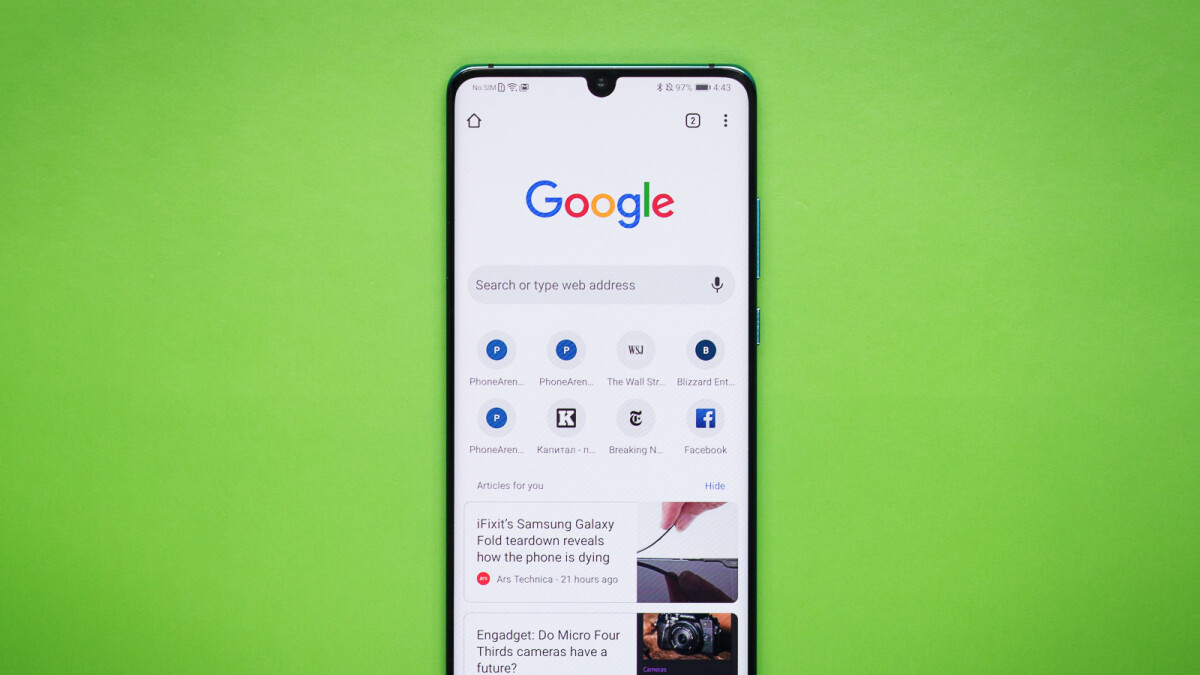
This Google standard is characterized by a particularly reduced design that puts the web content in the foreground. A Google start page helps with the first steps into the web: Popularly visited websites are presented there and supplemented by news from Google Discover. Standard functions like bookmarks or history are all on board.
Google Chrome also offers numerous other features, such as incognito mode, integrated translator and a security check. With the latter, the passwords stored in the account are checked. The new tab group function is also interesting, which allows grouping tabs, and is not only very practical but also ensures a better overview.
Conclusion: Anyone who simply wants to surf will get along well with the extremely practical Chrome for Android. But the browser was developed by Google, and that means above all: Their data is neatly collected and stored. The integrated “Privacy and Security” functions can only do something about that to a limited extent.
Opera
This Norwegian browser forge has a long tradition as far as mobile browsers are concerned. It has been on Symbian and other operating systems from long ago. The company sends several apps into the race on Android since Opera Mini is also available in the Google Play Store beside the “real” Opera browser. But Opera Mini follows a different concept because here, all data is heavily compressed on the company’s servers before it is delivered to the smartphone.
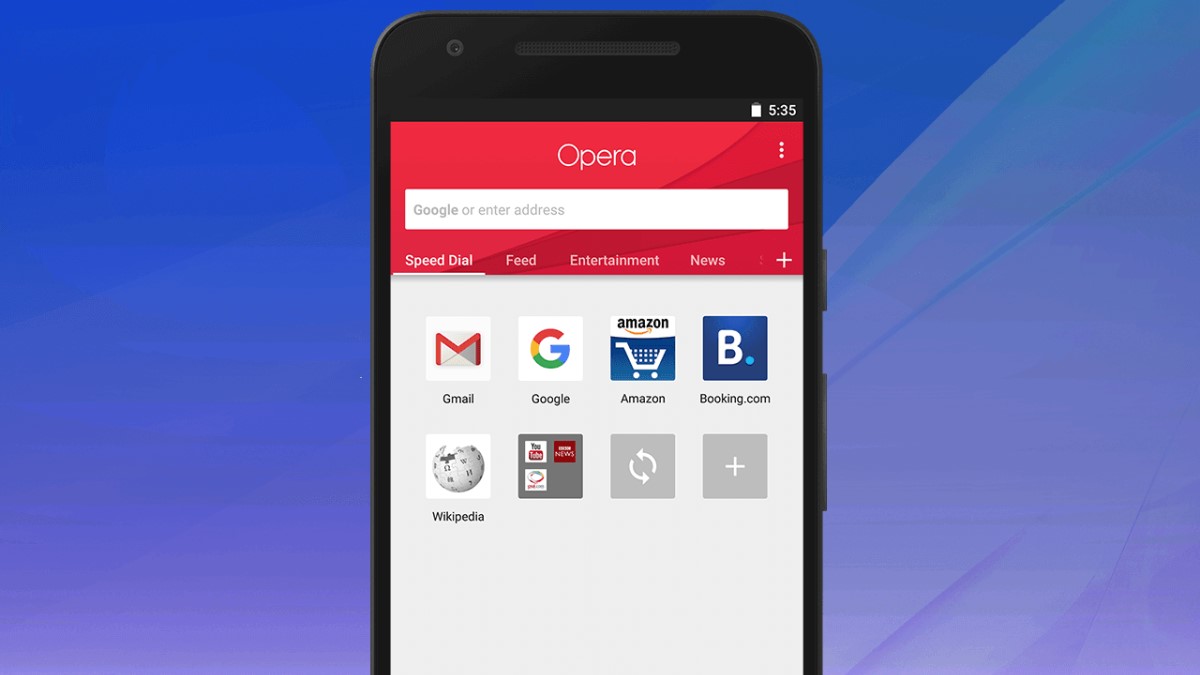
The standard Opera browser can be personalized in terms of color directly during the initial setup. The homepage is very similar to that of the Chrome browser. Various pages are found at the top, while messages are displayed underneath. In contrast to Google’s opponent, however, all controls are at the bottom of the screen – even the tabs and the settings. The latter include the usual Android browser spectrum of functions.
In addition, Opera’s app – like Chrome – has some special features. Especially an integrated ad blocker and a free VPN service catch the eye. Free” is a negative keyword here because a VPN service routes the entire Internet traffic via the provider’s server – you should trust it completely in terms of data protection. And advertising-financed platforms are usually not exactly a prime example of data security.
Conclusion: Opera is primarily aimed at power users and control freaks and offers more customization than Google Chrome in many aspects. However, this is also partly accompanied by a more complex structure.
Microsoft Edge
We originally talked about three major browsers, but a fourth one also exists. It is the successor of the legendary Internet Explorer and is preinstalled on every Windows computer. As a successor, he inherited the bad reputation of Internet Explorer, and this is also true for the Android variant. With only ten million plus downloads, this browser is clearly inferior to its competition. At the same time, its range of functions is on par with Chrome, Firefox and Opera.
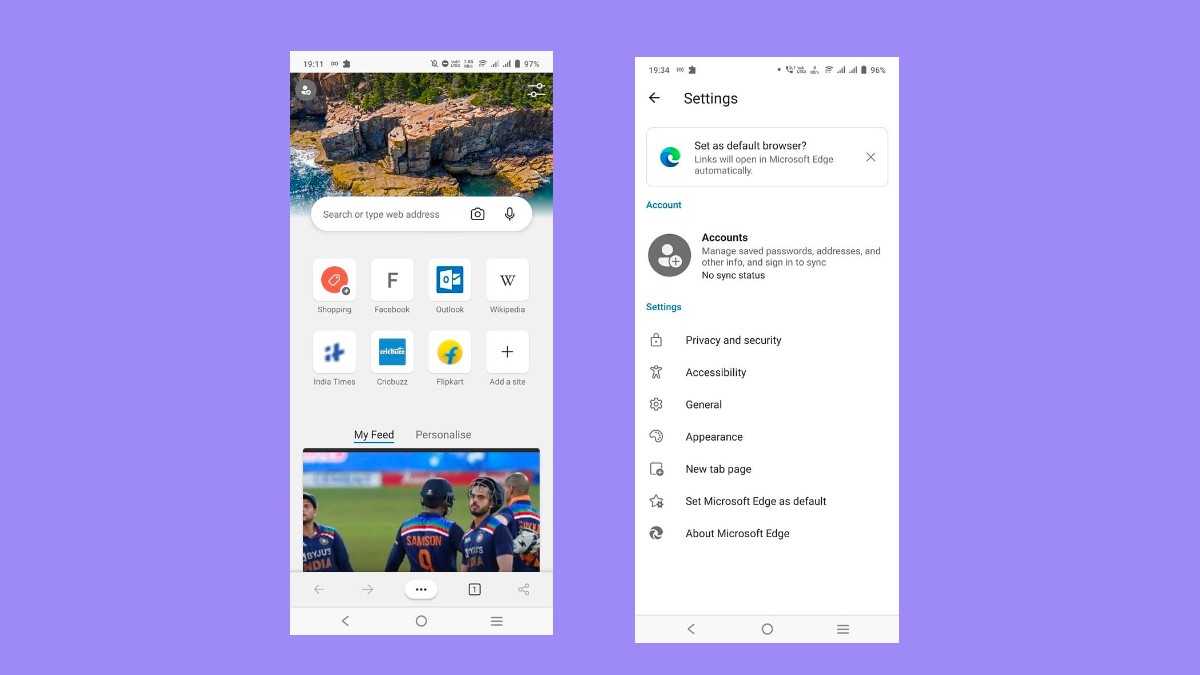
The homepage with its most visited websites and a news feed is already reminiscent of Chrome and Opera. However, you first have to get used to the tile menu. It is different from the competition, though it is quite clear when you take a closer look.
Microsoft Edge’s feature set is, as already mentioned, extensive. All the standard features are offered here as well – unlike larger special features. However, one looks for extravagances like a VPN service in vain.
Conclusion: Those who use Microsoft Edge as a standard browser on the desktop will also find it a reliable mobile companion – also due to the “Continue on PC” function. There are no extras here, however, and the concept of data protection is not necessarily written in capital letters at Microsoft – exactly like at the majority of similar companies – despite all assurances.
The Discreet Ones – DuckDuckGo & Tor Browser
A reason for many users to turn away from Chrome is likely to be concerned about their own privacy. Because Google’s main source of income is the sale of advertising, this browser provides the company with valuable information about what makes its own users tick – the same is true for other, big Android browsers like Firefox and Edge. Fortunately, there are several alternatives that are dedicated to the topic of privacy.
DuckDuckGo
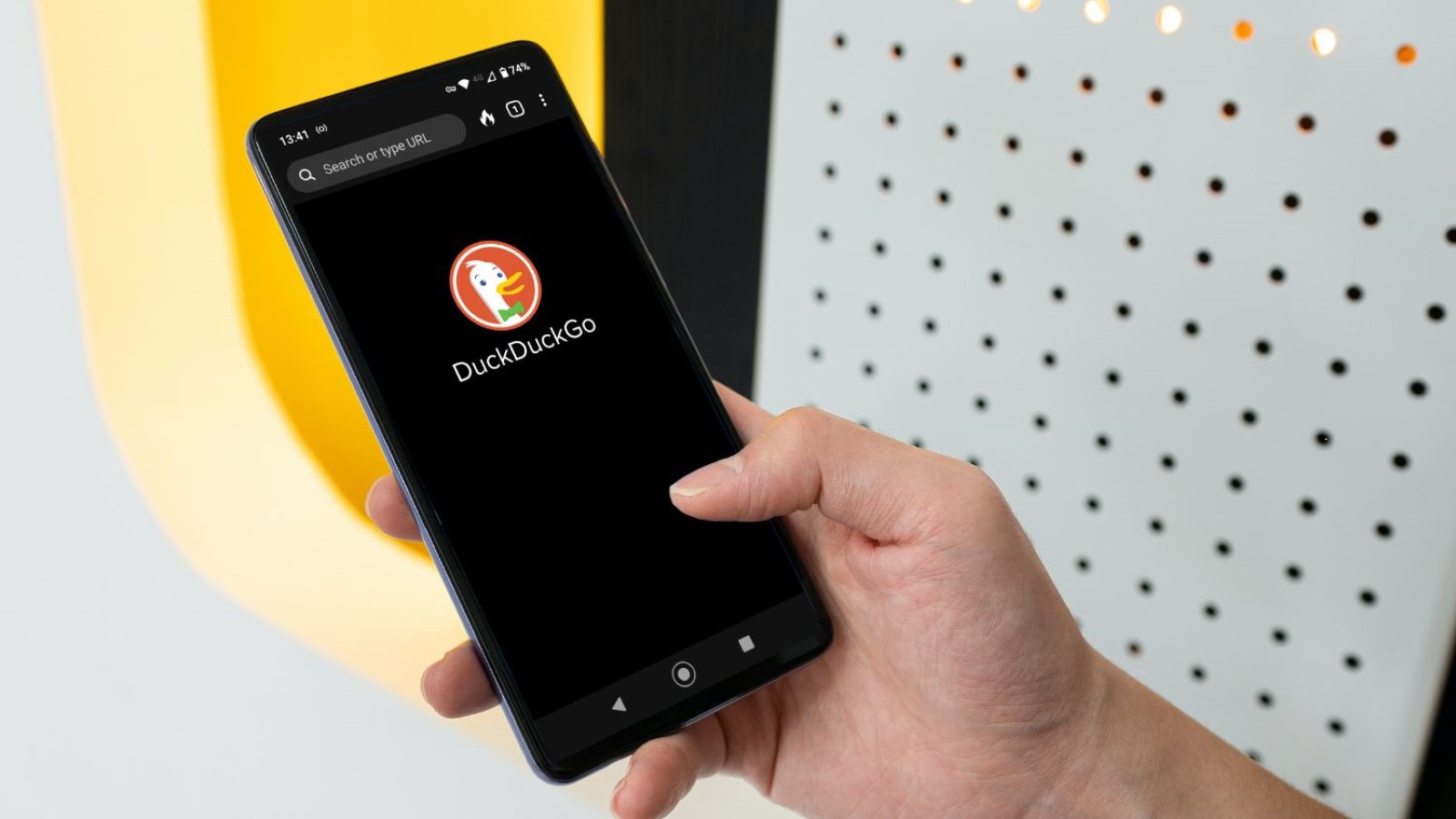
The main reason why DuckDuckGo is known is as a safe alternative to the Google search engine. The service’s special feature is that it does not collect and distribute any personal information. The company has additionally developed its own browser for Android users, where the focus is on privacy.
When opening the DuckDuckGo browser, it is mainly the minimalism that immediately catches the eye. In contrast to the aforementioned browser greats, the home page features only the DuckDuckGo logo and nothing else besides the discreet controls. It also looks similar in the menu and settings. Besides the classic browser functions, like bookmarks, hardly anything typical for a browser can be found here. Instead, there are a few special privacy features, like the fire function, which allows closing all tabs and deleting all data with just one click.
Conclusion: You will not find a lot of features in DuckDuckGo. This browser looks very minimalistic – but exactly that can be quite appealing. Furthermore, in terms of data protection, its browser is one of the best apps. Those who place a lot of value on their privacy can confidently access it here. Moreover, DuckDuckGo had the best rating of all Android browsers listed in the Play Store: 4.8 out of 5 stars.
Tor Browser
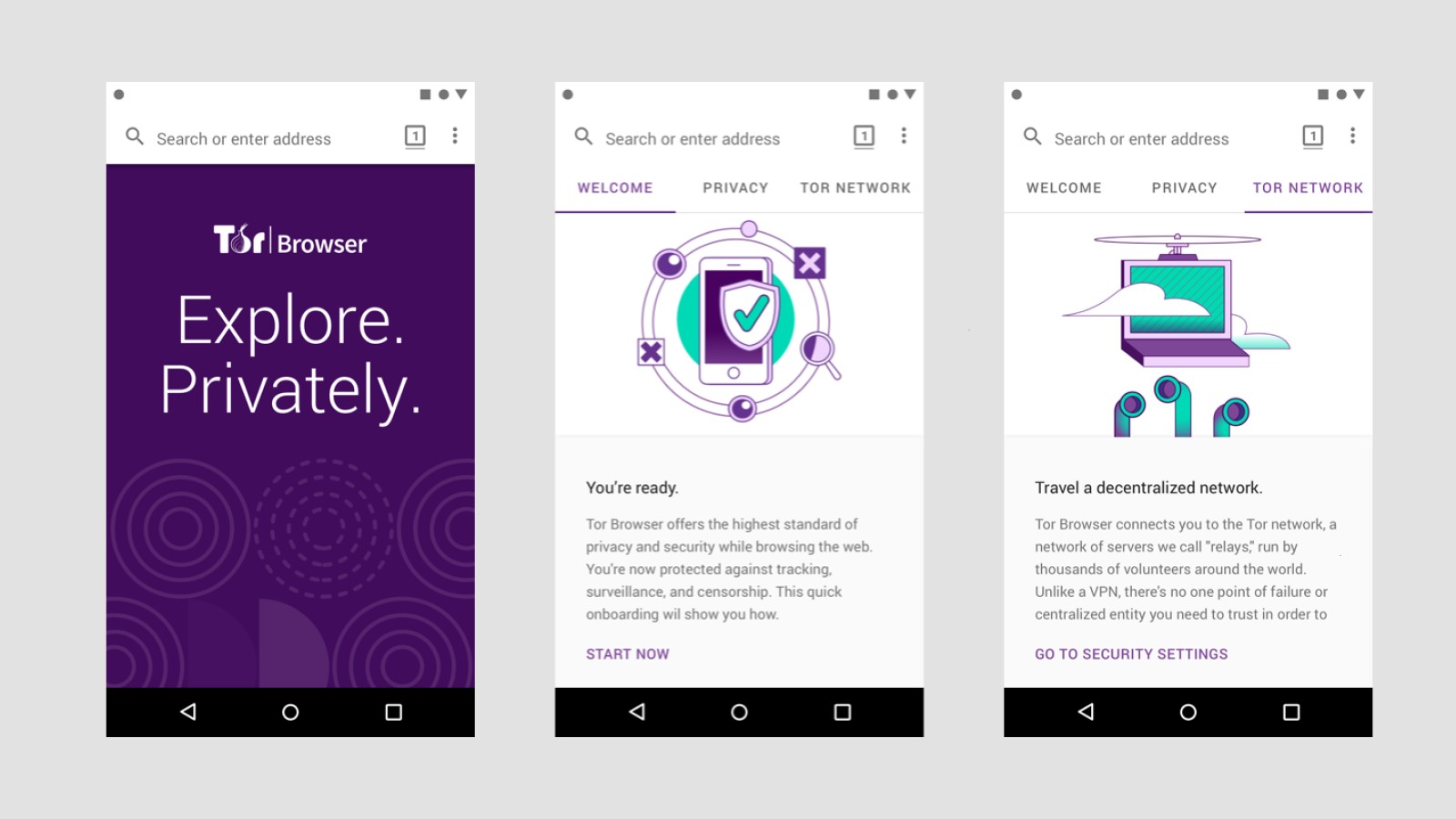
There is something very special about the Tor browser, which routes your traffic through the Tor network. You can learn more about what exactly lies behind it in our guide on the topic of the Darknet and Tor. But the bottom line is that your user data and identity are really safe with this Android browser. On a level where it already takes messaging services to identify you – At least as long as you adjust your search behavior and do not log in with your account on Facebook, for example.
A special feature of the Tor browser is, for example, the ability to reestablish your connection on your own and thus give yourself a new identity. Furthermore, users can disable website features that could be dangerous in the settings and install numerous security add-ons. At this point, it is also interesting to note that when we tried to take screenshots of the browser app, we failed miserably at first. “Screenshots cannot be created for private content,” a message said. Only thanks to a corresponding change in the Tor settings we were able to solve the problem.
Conclusion: No other Android browser can hold a candle to the Tor browser in terms of data protection. In addition, though, this app also offers some useful browser features, like bookmarks, the storage of credentials and passwords, and a translation feature. Thus, the Tor is a good, albeit minimalistic, mixture of a security tool and a browser.
Also Read:
- All You Should Know About Android Auto
- 17 Best Smartwatches in the Market
- The Best Cell Phones Under 200 Euros
- Everything You Need to Know About 2020 Expo in Dubai
- 9 Cybersecurity Tips to Improve Online Security and Safety
- All You Should Know About Elon Musk’s Starlink
Other Android Browsers at a Glance
While the browsers mentioned above are some of the most important and useful, there are numerous other browser apps that also have their own unique merits. The following is an overview of some of these browsers – each one with a brief description.
The Samsung Internet browser
Samsung Internet Browser was developed by Samsung, but it can be installed on any smartphone. This app offers add-ons as well as ad-blocking, and additionally also a high contrast mode.
The Vivaldi browser
In addition to an integrated ad blocker and tracking protection, the Android browser from Vivaldi primarily offers a flexible user interface, which allows you to give the browser a unique look. The tool also offers two-level tab groups since version 5.0.
Brave browser
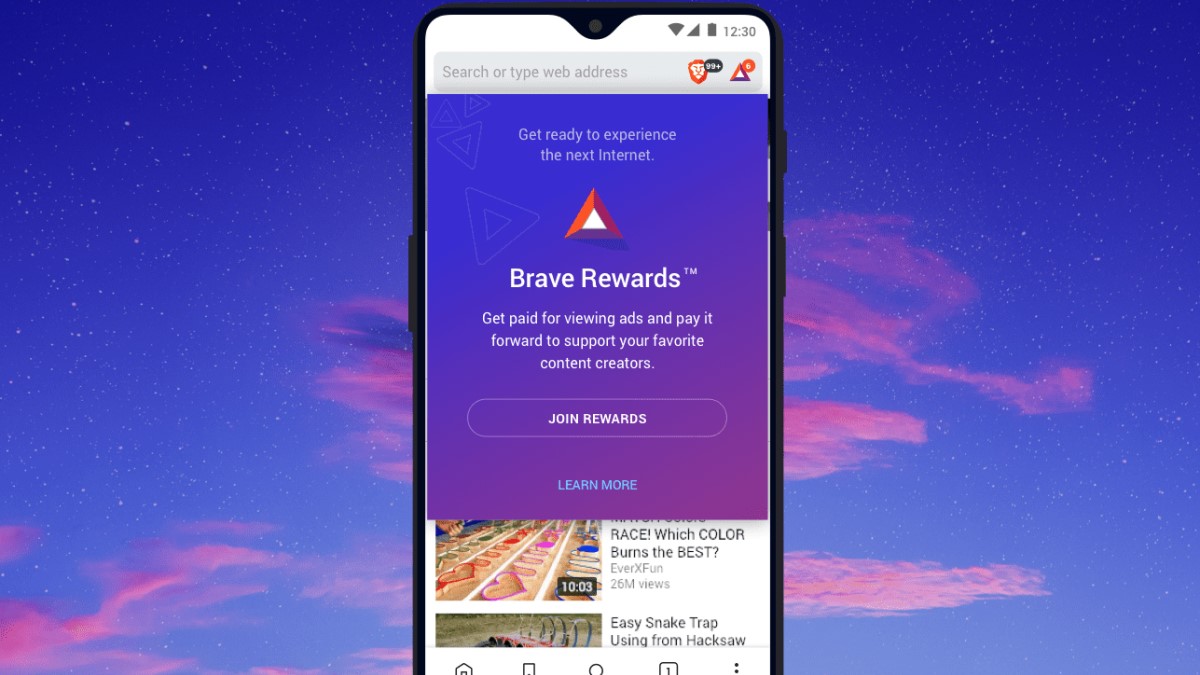
The Brave browser was designed as a secure browser – similarly to DuckDuckGo and Tor. It focuses on blocking third-party ads as well as high speed. The developer says it should also be battery and data-efficient.
Firefox Clear
The web browser Firefox Clear, exactly like its “big brother”, also comes from Mozilla. In contrast to the main browser listed above, the focus here is not on functionality, however, but privacy. On balance, the Firefox Klar blocks activity tracking elements and offers a faster working speed thanks to leaner software.
Ecosia
In fact, EcoSia is a search engine – an ecological one at that. It uses the revenue generated from your search queries to fund reforestation programs. In the meantime, more than 123 million trees have been planted in this way by the company’s own account. However, Ecosia also offers its own Android browser, which resembles Chrome in terms of structure and appearance.
Opera Touch
Like Firefox Clear, the Opera Touch is an alternative version to the main browser. The benefits over the standard app are the same – with one exception. Additionally to the higher speed and increased data security, Opera Touch also offers a unique designer user interface, which has won the Red Dot Award. But whether this is superior to the standard menu is something everyone has to decide for themselves.
Conclusion
There can be no one-size-fits-all answer to the question of which is the best browser in the Android camp due to the many different types of users and offerings. In the same way, as with the favorite color or the favorite food, each person has to decide for him/herself whether he/she places more value on functionality, on an innovative design, on speed, on data protection or even on the environment. At the very least, the right Android browser should be there for everyone, thanks to the large selection.