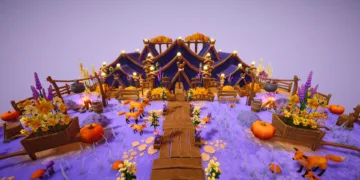




























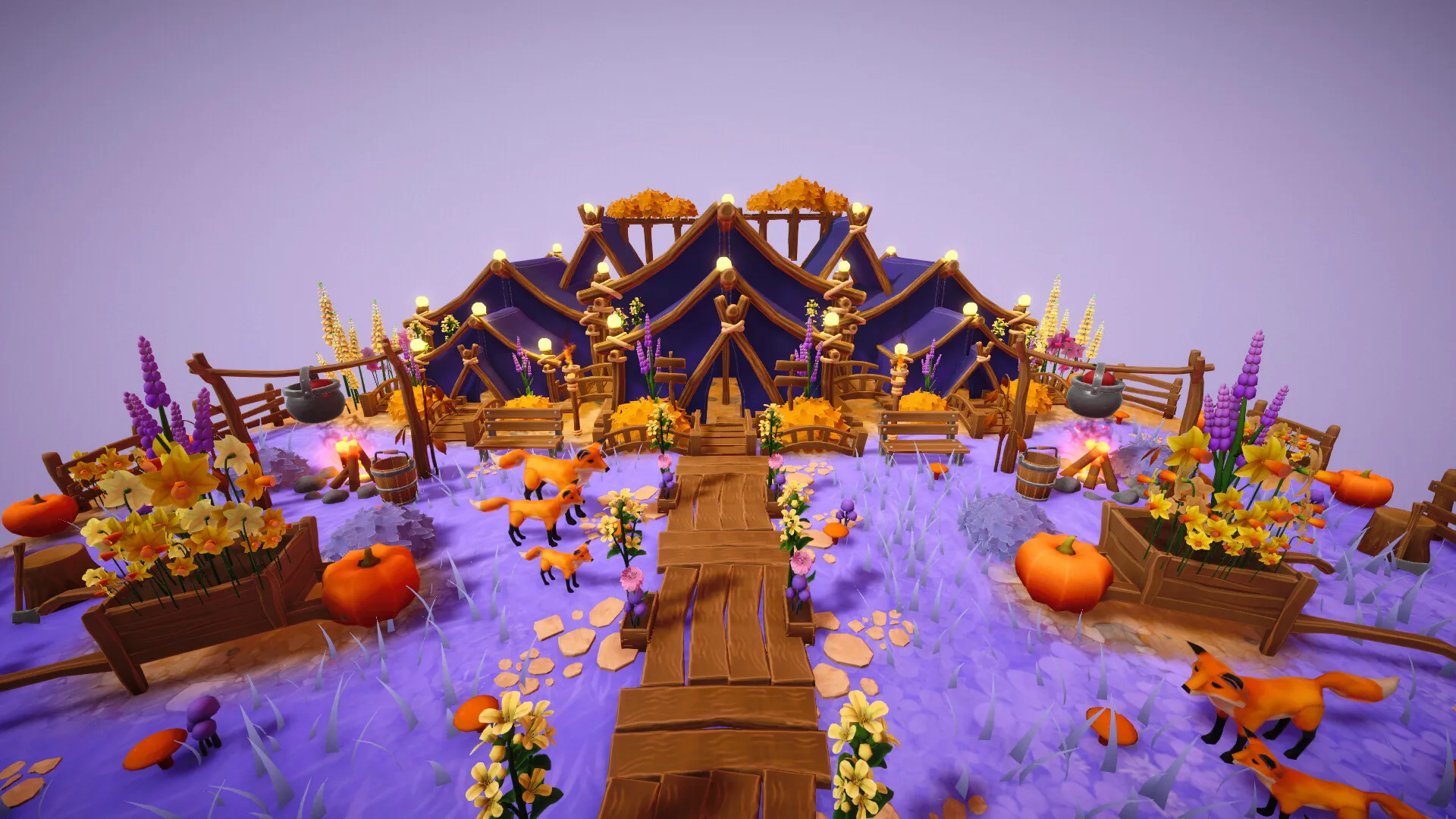

Cozyrama works as a digital studio for building miniature dioramas. It plays like a sandbox where creative expression sits ahead of traditional game objectives. There are no timers, no scores, and no enemies. The experience starts from a blank circular or square base in either a small or large size. From there, you fill the space with a huge asset library that includes plants, buildings, and animals.
The software keeps a calm tone for players who enjoy arranging and decorating piece by piece. It feels like a virtual craft box for anyone who wants detailed scene-building without real materials such as glue or paint. The focus stays on slow, careful object placement that shapes a specific mood or visual style. It gives players room to pause, experiment, and build at their own speed. That low-pressure structure fits the growing group of relaxed creative tools seen in games like Townscaper and Unpacking.
Mechanical Depth and Asset Variety
Scene construction starts with the foundation tools. You pick a circle or square layout and choose a small or large scale. The software can shift the environment quickly by changing grass into sand or adding water to parts of the base. You can place round or square platforms for height variation, though the engine has no dedicated terrain sculpting tool.
Organic hills and valleys take extra work compared with games like Tiny Glade. Creating natural elevation depends on layering existing assets to fake the shape of the land. The library itself is extensive, with thousands of items that run from basic flowers and trees to larger structures and fences.
Object manipulation is where the system shows its strongest design work. Every item can be moved, scaled, and rotated. XYZ arrows support precise placement, which matters when fitting a small plant into a narrow corner. You can toggle moss on certain objects and adjust colors to match a chosen palette. Animals add motion and personality to a diorama.
Ducks, frogs, and other creatures can wander around the scene, and petting them triggers small interactions. Mood controls support this side of the experience well. A day-night cycle, sky color changes, and time-of-day adjustments can reshape the look of shadows across the build. You can inspect the same scene under moonlight or under the warm light of sunset and make layout decisions based on that lighting.
Workshop Creativity and Community Sharing
Workshop mode gives players a separate area for making custom items. It lets you stack and combine existing pieces into new objects. A player might use primitive shapes to build a furniture piece that does not exist in the default catalog. This feature supports very specific design ideas, though it asks for patience.
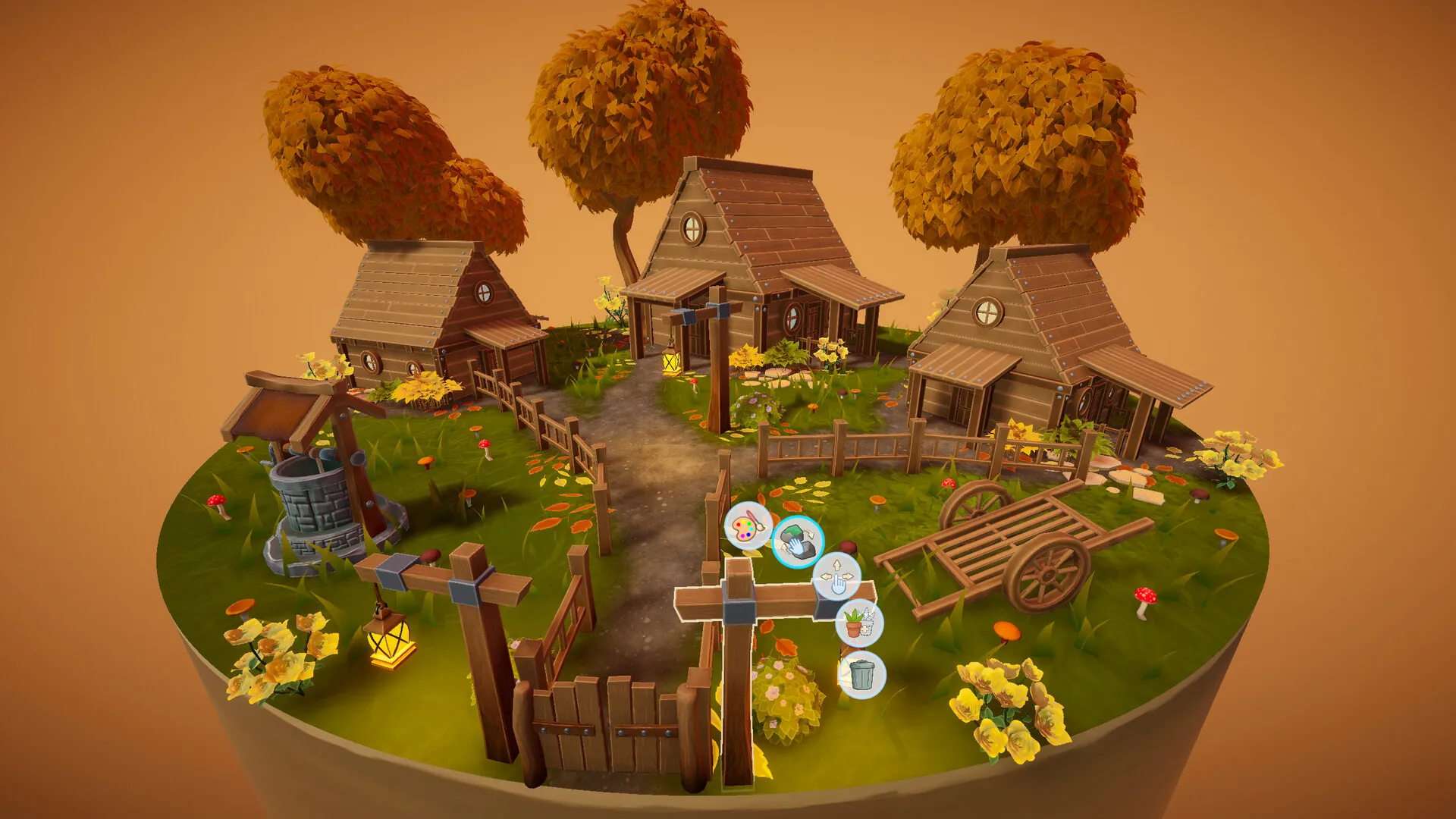
The layering system has little guidance, and the interface uses icons for functions without text labels. You often have to test each tool and learn the workflow through experimentation. That complexity will appeal to dedicated decorators who outgrow the standard library and want tighter control over the details of their scenes.
The creative loop is defined by freedom from resource systems. There are no materials to manage and no currency to collect. You can spend an hour refining one corner of a build, then clear the whole base and begin again with no penalty. Sharing takes place through a community hub where players upload creations and browse other builds. That hub works as a source of inspiration and a practical learning tool.
You can download another player’s diorama and edit it yourself, which makes it easier to study their color choices and placement methods. You can trace how a certain look was achieved through arrangement and palette decisions. Some physical limitations still show up during building. Propping a guitar against a wall can be difficult, and objects often resist standing upright at unusual angles. That behavior can shut down a few design ideas that rely on delicate positioning.
Interface Clarity and Technical Stability
This software feels strongest on PC with a mouse. Controller support is awkward and lacks the fine precision needed for careful object placement. The interface puts menus on both the left and right sides of the screen, and those menus rely on small icons that are hard to read at a glance.
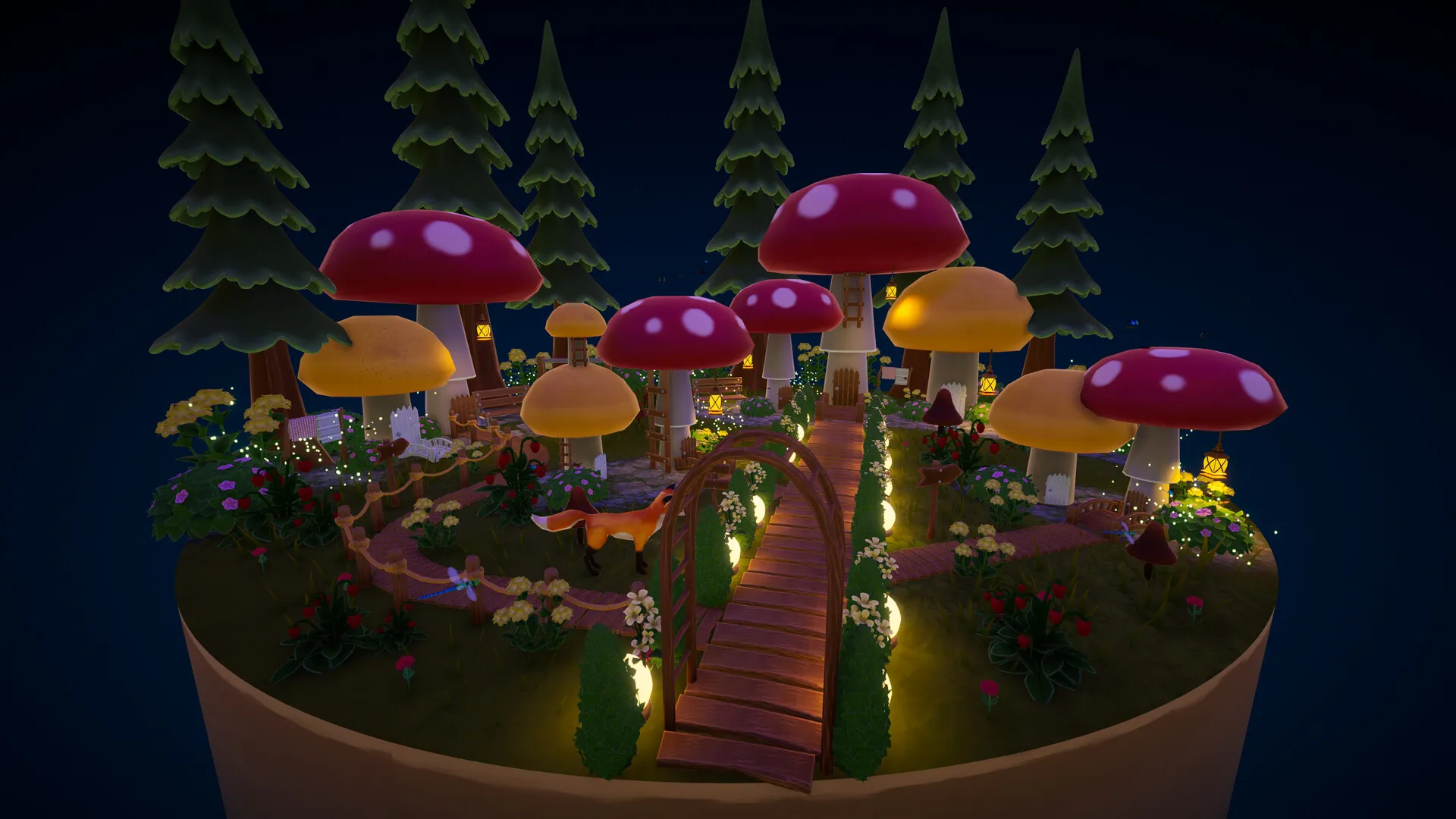
It can be difficult to tell which side of a fence includes a rope or what pattern appears on a tiny rug. Keyboard shortcuts add utility and confusion at the same time. Q and E rotate the full diorama, while the arrow keys rotate the selected object. During the first few hours, that layout can lead to accidental inputs and a lot of second-guessing.
Technical stability remains an issue. Some players report save problems that cause progress to fail or return in an incomplete state. A build can absorb a large amount of time, then come back rolled back or missing a thumbnail. Performance runs better on laptops than on handheld systems such as the Steam Deck. The startup process also has a clear risk point, since clicking during the loading screen can crash the game.
Learning the tools takes time because there is no formal tutorial. Hidden menus behind right-click inputs, or item scaling mapped to keys instead of a scroll wheel, are things many players will discover through trial and error. Cozyrama rewards curiosity inside its menus and systems, especially for players who enjoy testing controls and seeing how each tool behaves.
The Review
Cozyrama
Cozyrama serves as a peaceful digital craft box for patient creators. It provides vast asset variety and impressive customization, though it functions more like software than a traditional game. The lack of structure and a tutorial creates an initial hurdle, and the saving bugs require caution. However, for those who value artistic freedom and a meditative building process without the mess of real-world materials, it is a satisfying creative outlet. It is a charming, if technically unpolished, space to build and observe miniature worlds.
PROS
- Massive library with thousands of items.
- Deep customization through scaling, rotating, and recoloring.
- Relaxing, pressure-free sandbox environment.
- Community hub for sharing and editing dioramas.
CONS
- Significant saving and stability bugs.
- No tutorial or clear guidance for complex tools.
- Interface icons are often too small to see clearly.
- Terrain sculpting is limited to basic platforms.