





























It is always there for us, supporting us at work and during our free time, and it knows our deepest secrets – our digital companion: The smartphone. But it can also quickly happen that the device stabs its owner in the back in the best Brutus manner. In these cases, the user himself is often to blame. We will show you how to protect your cell phone from the attackers.
Protecting Your Mobile Like the PC
Paradoxically, most users believe that a computer is vulnerable to attack. It needs to be protected with antivirus software, and links in unknown emails are dangerous. This is the everyday reality of computer use.
Things are different, on the other hand, with smartphones. Even though modern cell phones have a processor, RAM, a hard drive, Internet connectivity and all the other features of a standard desktop PC, the little computer is still often regarded merely as a cell phone and treated as such. As a result, digital security suffers above all – although smartphones can nowadays disclose even more sensitive data than their stationary counterpart, the home computer.
Contacts, passwords, stored content, login data for online banking, location data. These and much other information can be read by spy apps on the smartphone and passed on to third parties. However, this seems to be a concern for only a fraction of users.
That at least is what a representative survey by the digital association Bitkom published at the beginning of 2021 suggests. Only 43 percent of respondents use an antivirus program on their cell phones. This is despite the fact that even in 2018, one out of three smartphone users aged 16 and over (35 percent) fell victim to malware (spyware) within twelve months.
Also Read




The quantity of devices infected with a virus is worrying. Nevertheless, there is also good news, since you can protect your cell phone from all kinds of attacks without too much effort. In this guide, we explain what needs to be done for this and what users should pay attention to in general to increase the security of their smartphones.
Protecting Your Phone From Malware, Digital Data Theft & Espionage
In the following, we are going to share some tips which will help you protect your phone from malware, digital data theft and espionage. Stay tuned.
Tip 1: Antivirus & Firewall Software
An antivirus app is one of the most effective and easiest ways to protect your smartphone from viruses. For example, these provide a virus scanner that scans files and applications on the cell phone and checks them for malware. A virus scanner is part of the basic equipment and is therefore present in all antivirus software. You can buy a paid antivirus program with integrated real-time protection if you have the necessary small change. It detects viruses and spy apps in real-time and initiates immediate countermeasures.
The firewall is another security function that can land on the phone as an app in just a few seconds. This monitors the network activities of all applications and can also prevent a connection if necessary. Users get control over the data flow of their smartphones. Of course, it is essential to remember that a firewall of this kind requires manual input first.
If you do not, the firewall might block all existing applications – regardless of whether they are spy apps, harmful programs or simply the WhatsApp messenger. Moreover, such apps are mostly only found for Android cell phones. Anyone who does not use Google’s operating system but rather Apple’s iOS is at a disadvantage here.
Tip 2: Safety in public WLAN networks
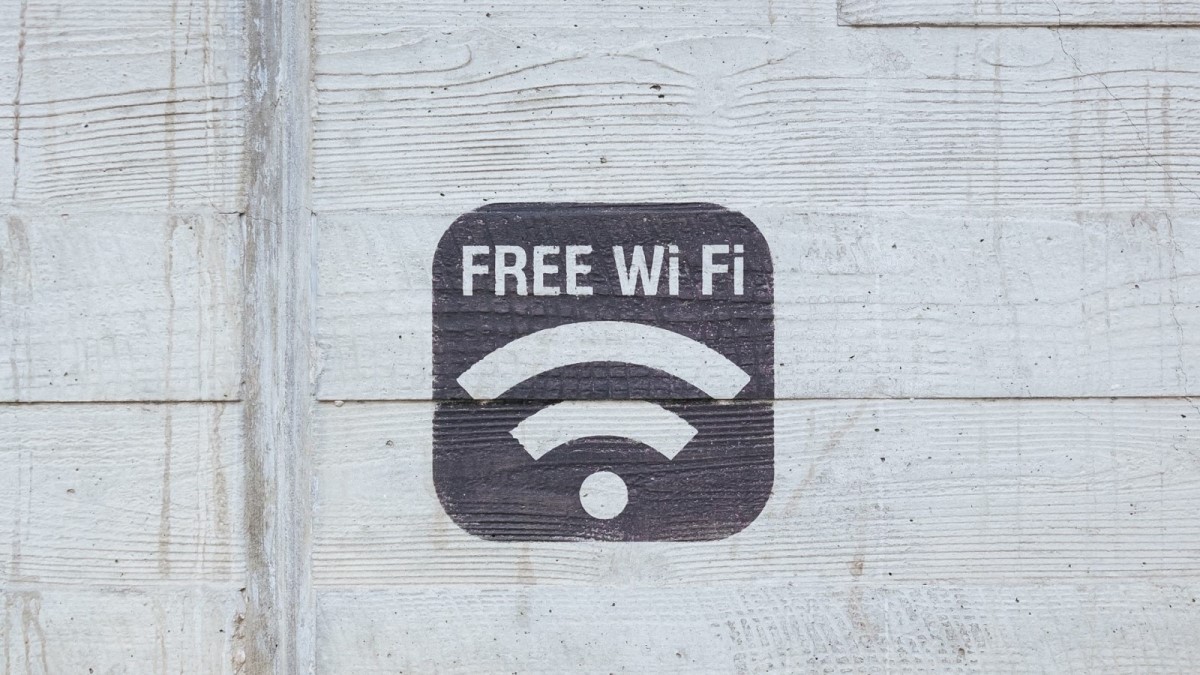
Whether in a café, shopping mall or hotel, public WLAN networks are convenient, frequently free of charge, and help conserve the data volume included in the tariff. But there is a problem: you are vulnerable to cybercriminals who can spy on your own data traffic. For this reason, banking online in public networks is an absolute no-no.
If possible, data connections that are not protected by an HTTPS certificate (recognizable by the URL) should also be avoided. Anyone who wants additional protection should also use a virtual private network (VPN). These direct the connection to the network via their own VPN server, change the IP address and thus increase anonymity in the worldwide data network.
Depending on the VPN provider, the information transmitted is also encrypted. That makes things much more difficult for uninvited viewers. However, here users have to pay attention to which VPN provider they choose. Because the services offered and the level of protection sometimes differ greatly from each other. For example, the majority of free VPNs offer less protection or even store some data themselves. The worst-case scenario is that the VPN as such would be a kind of spy app.
Tip 3: Regular security updates
Both Apple’s iPhone and Android device manufacturers distribute so-called security updates at irregular intervals. These updates close various security gaps and improve virus protection. However, major differences exist depending on the selected operating system and manufacturer. Whereas Apple supplies its iPhones with security updates regularly and over a long period of time, Android smartphones have a different situation for the most part. It is true that the company behind Android, Alphabet or Google releases monthly security patches.
But each manufacturer first has to adapt these to the user interface of the respective model. That costs both time and money, meaning cheaper devices from unknown manufacturers rarely get regular updates. The situation looks better for established Android smartphone manufacturers like Xiaomi or Samsung. But Google’s security updates are usually discontinued after two to three years at the latest here as well. iPhone users are clearly ahead in this category.
When buying a smartphone – either used or from a retailer – users should also pay attention to when it was launched on the market. The update period, which is usually two years, doesn’t start with the purchase of the phone but rather with its market launch. However, a clear rule does not exist here – at least not yet. For some time now, an EU regulation has been planned that would oblige manufacturers to distribute updates for their electronic products by law. The regulation has not yet been implemented, however.
Tip 4: Do not permit applications from unknown sources
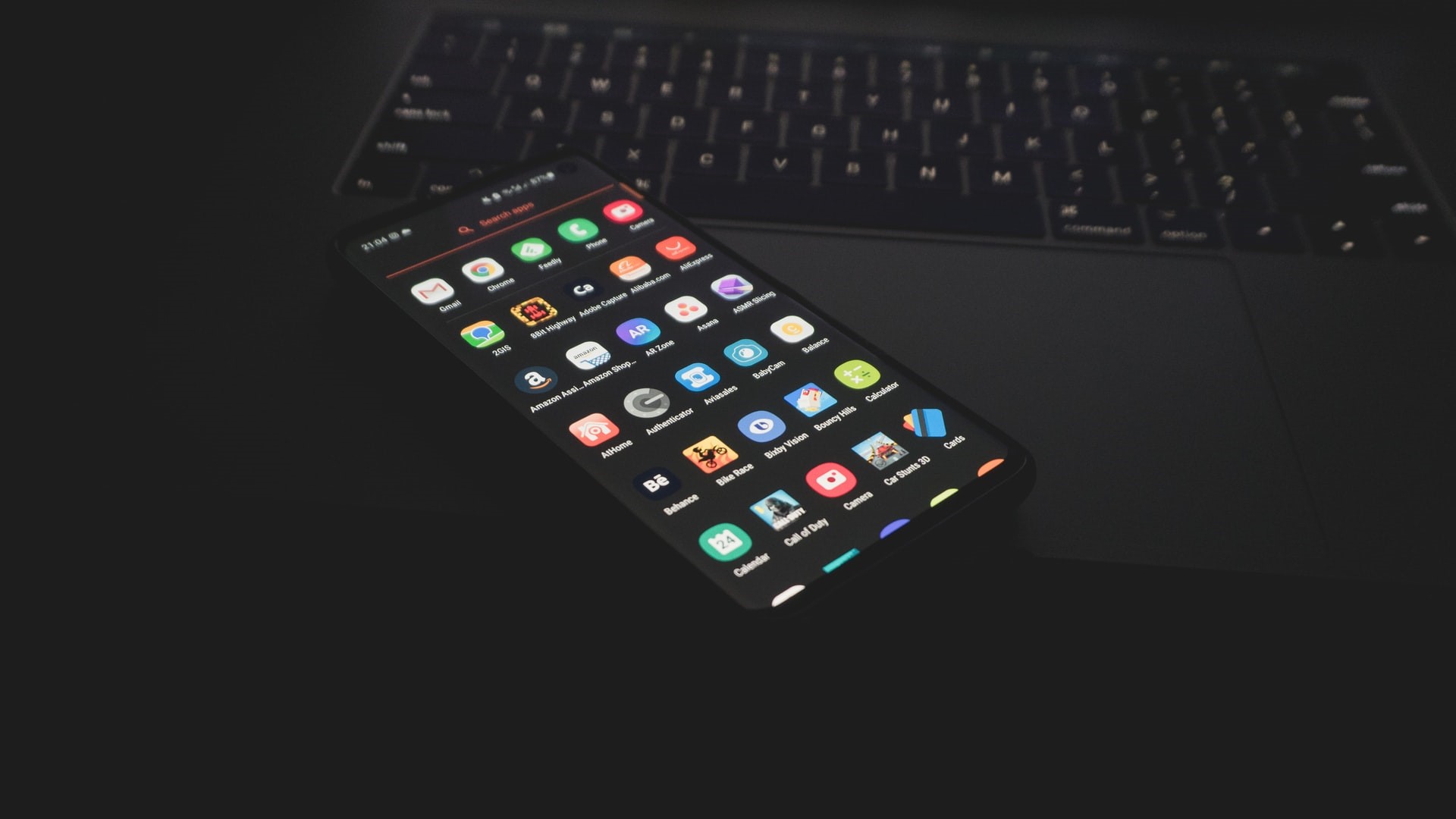
Installing apps from unknown sources is another issue that affects Android users in particular. An application APK (Android Package) is simply downloaded from the Internet (for example, using a browser) and manually installed on the smartphone. In this way, Google’s Play Store control can be bypassed. For the user, this allows personalizing the phone as desired. Or at least if the developer of the app and the website where the installer was downloaded are trustworthy.
Otherwise, it could quickly happen that you do not protect the cell phone and install malware on your own. Unless you are 100 percent sure that the app is free of viruses or spy tools, you should rather leave the Android setting “Allow apps from unknown sources” disabled. Even if the app is trustworthy, we recommend deactivating this setting right after installation. This must be done individually for each app or browser.
Also Read:
- How to Install VPN on Router: The Ultimate Guide
- How to Quit Smoking For Good
- The Best Cell Phones Under 200 Euros
- 2022 Ultimate iMac Buying Guide
Tip 5: Control app permissions
Besides viruses, numerous user data can also be leaked to third parties in another (semi-)official way: via apps that are available in the App Store and Play Store but are nevertheless dubious. These are often recognized by the fact that they demand more permissions than they need for their own functionality. Fortunately, which permissions these are exactly can be checked individually for each application in the smartphone settings on both Android (Google) and iOS (Apple).
If, for example, a mobile calculator app wants to have access to the contact list or the location, that is a reason to be suspicious. Permissions like this can be revoked from individual apps in the settings. They will then only receive the information they actually need. It would sometimes also be better to do without the quasi-spy app altogether since there are usually plenty of alternatives in Google’s Play Store.
Tip: Known browsers like Google’s Chrome or Microsoft’s Edge are not the best choice in terms of data protection. Alternatives from DuckDuckGo and Tor are much better at protecting your privacy. More information on this topic can be found in our guide to Android browsers.
Keep Your Phone Safe From Theft, “Physical” Data Theft & Nosy Friends
From this part on, we will share some tips about how you can keep your phone safe from theft, data breach and your nosy friends!
Tip 1: Lock the screen and SIM card
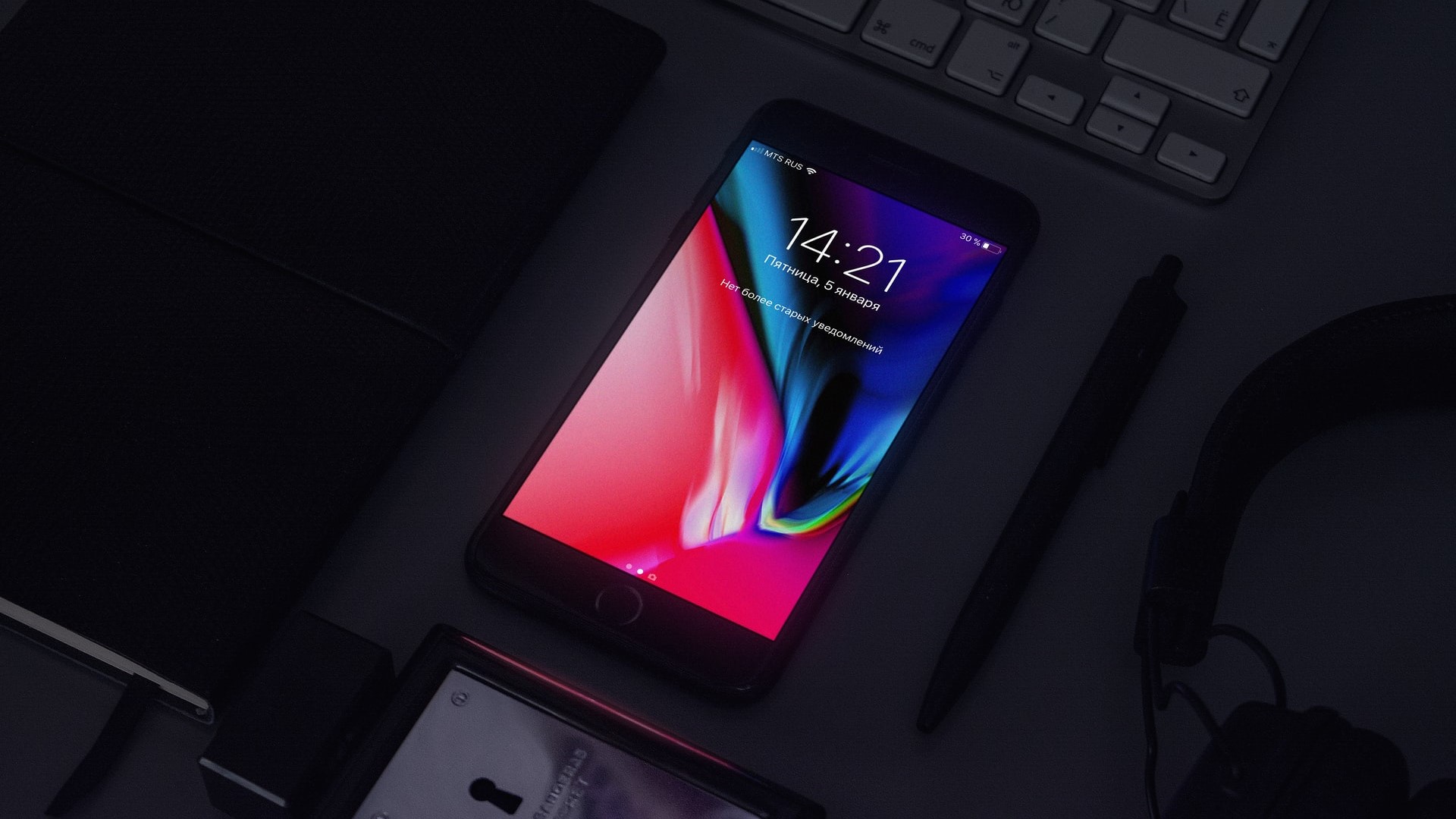
Beyond the digital dangers posed by the “World Wide Web“, you should also protect your smartphone from physical attacks by criminals as well as nosy friends. The simplest measures to take here include locking the screen. It is the first and possibly the most important protective barrier. It is well-known, and most users use it. However, to ensure good protection, there are some things to keep in mind.
Locking the phone with a PIN code is and remains the safest way to protect the data behind the display. Should you prefer pattern unlocking, we recommend making sure that you disable the visibility of the lines that are created when drawing the pattern. This will minimize the risk that a sneak peeks at your display will give strangers access.
In addition, some modern devices offer to unlock via biometric data – i.e. fingerprint sensor, face recognition or iris scanner. These are also subject to the standard password or PIN code when it comes to security. On the locked screen, you will also have to deactivate notifications of important apps, like mobile banking apps or instant messaging services like WhatsApp.
Users should also protect the SIM card in addition to the screen lock – unless the lock is already set up anyway. There is little that can be done with a protected SIM card. This is also the case when it is inserted into another smartphone. You can conveniently activate or deactivate the lock itself in the settings. In case your own phone and/or SIM card are actually stolen, it is nevertheless also recommended to contact the provider.
Guest mode
And finally: In the settings of Android devices, a so-called guest mode can be found under “Users”. This enables you to set up a second or third account on the same smartphone, just like on the computer. When a friend asks you for your phone because he wants to use the browser, for instance, you can change the account with just one click and thus protect your privacy.
Tip 2: Finding stolen or lost phone
All measures already mentioned won’t help much if your smartphone slips out of your pocket unnoticed or a thief gets his hands on it. In this case, there are some possibilities to solve the problem with a little luck. Both iPhones and Android devices offer functions to query the location, remotely lock the phone or delete all data. A guide explains how this can be done.
There are some restrictions, however. For example, the device must be connected to the Internet, and the location services must be activated. These issues can be solved with anti-theft software and some antivirus programs. The way it works is quite similar, but in addition, you can send SMS commands to the missing phone. That way, you can activate functions like the Internet connection or the location tracking remotely – even without rooting the smartphone beforehand.
Anti-theft apps like these offer a fairly high level of protection, but they aren’t ideal either. Like their official iOS and Android counterparts, such apps must have already been set up before the theft. Furthermore, a display lock is also recommended here. Otherwise, thieves can simply disable the functions and thus counteract any remote access. Last but not least, the owner should act quickly. Once the battery is exhausted, there isn’t much to do.
Moreover, always be logged in with your Google account. Because even if a screen lock is set up, it is possible to perform a so-called hard reset. However, in this case, you will inevitably have to enter the Google account password when setting it up. In this case, less IT-savvy thieves will no longer be able to use the stolen phone.
Tip 3: Caution with USB and Bluetooth connections
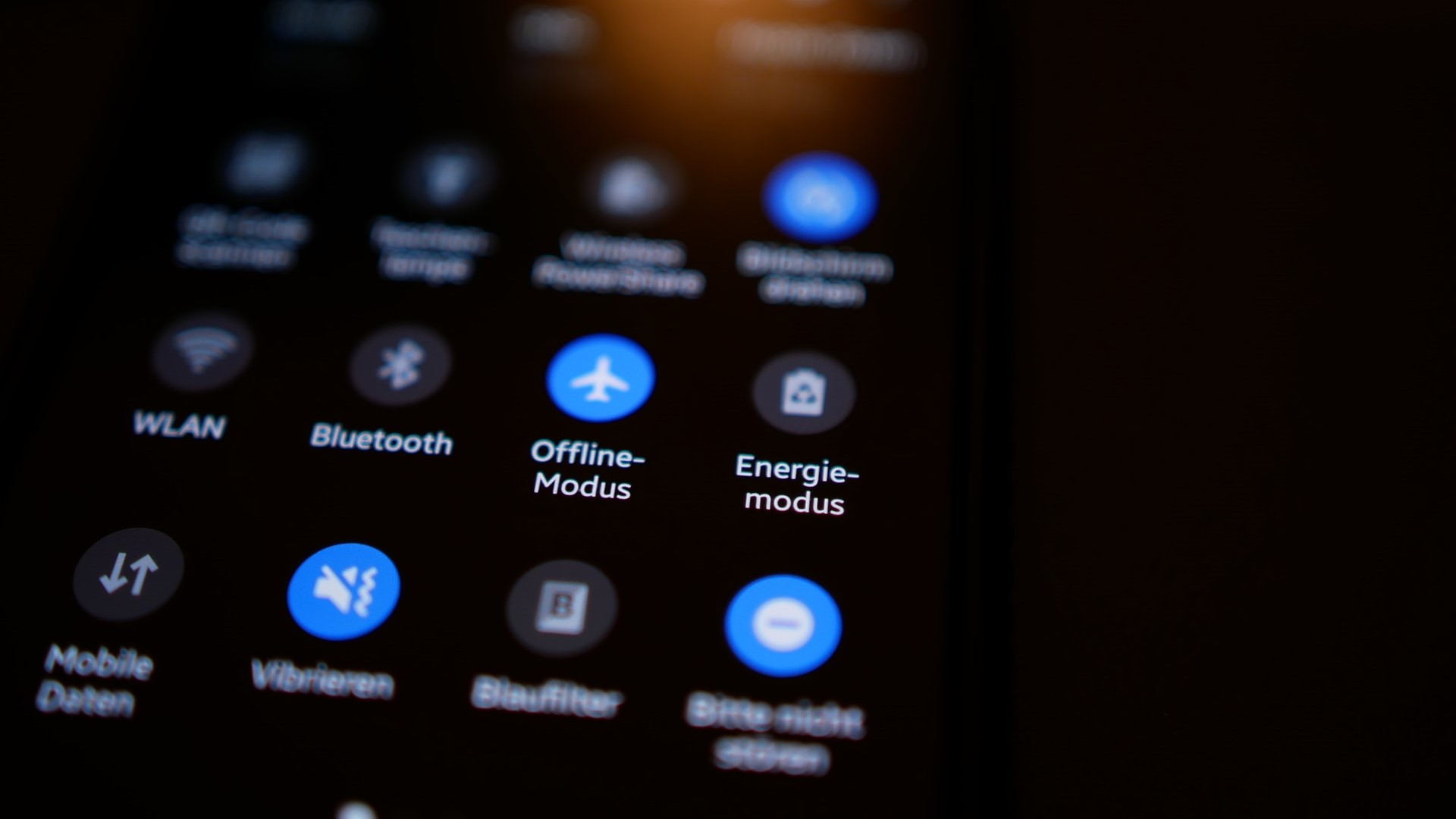
Though the risk of getting malware or spy apps on your phone via USB connection is relatively low, it certainly exists. Therefore, the smartphone should ideally only be connected to trustworthy computers. Users who want to charge their device should also make sure that only the power and not the data connection is activated in the settings that appear when the cable is plugged in.
As an alternative, you can also use a so-called “USB condom”, which also does not allow a data connection as an adapter. The same applies to wireless connections such as Bluetooth. In order for the cell phone to be truly protected, these connections must remain switched off unless they are needed at the time.
Anyone Who Is Attentive Can Protect Their Mobile Phone
All the protective measures mentioned can be a great help when it comes to protecting an operating system from viruses, malware, spy apps, and other dangers and increasing smartphone security in general. However, all of this does not help much when the user himself is not attentive.
Anyone who receives an email from a Nigerian prince, for instance, needs to remain critical. And it is also not mandatory to visit every URL address contained in a WhatsApp chain letter – keyword: phishing. The owner himself still makes the most significant contribution to protecting a smartphone.